
Fits your flow, not the other way around
Run Inspack in Adobe Illustrator, InDesign, DAMs, and other tools your team already uses.



 { }APIMCP
Trusted by







01 / Why Inspack
Why teams choose Inspack
One compliance layer across your tools — so work moves faster and risk goes down
“Inspack helped our team cut review loops by nearly 70%. Marketers spend less time chasing approvals and more time launching campaigns that perform.”
02 / Apps
Works with the tools you already use
Inspack checks claims, required text, and brand rules inside the apps your team already works in, with no workflow changes.
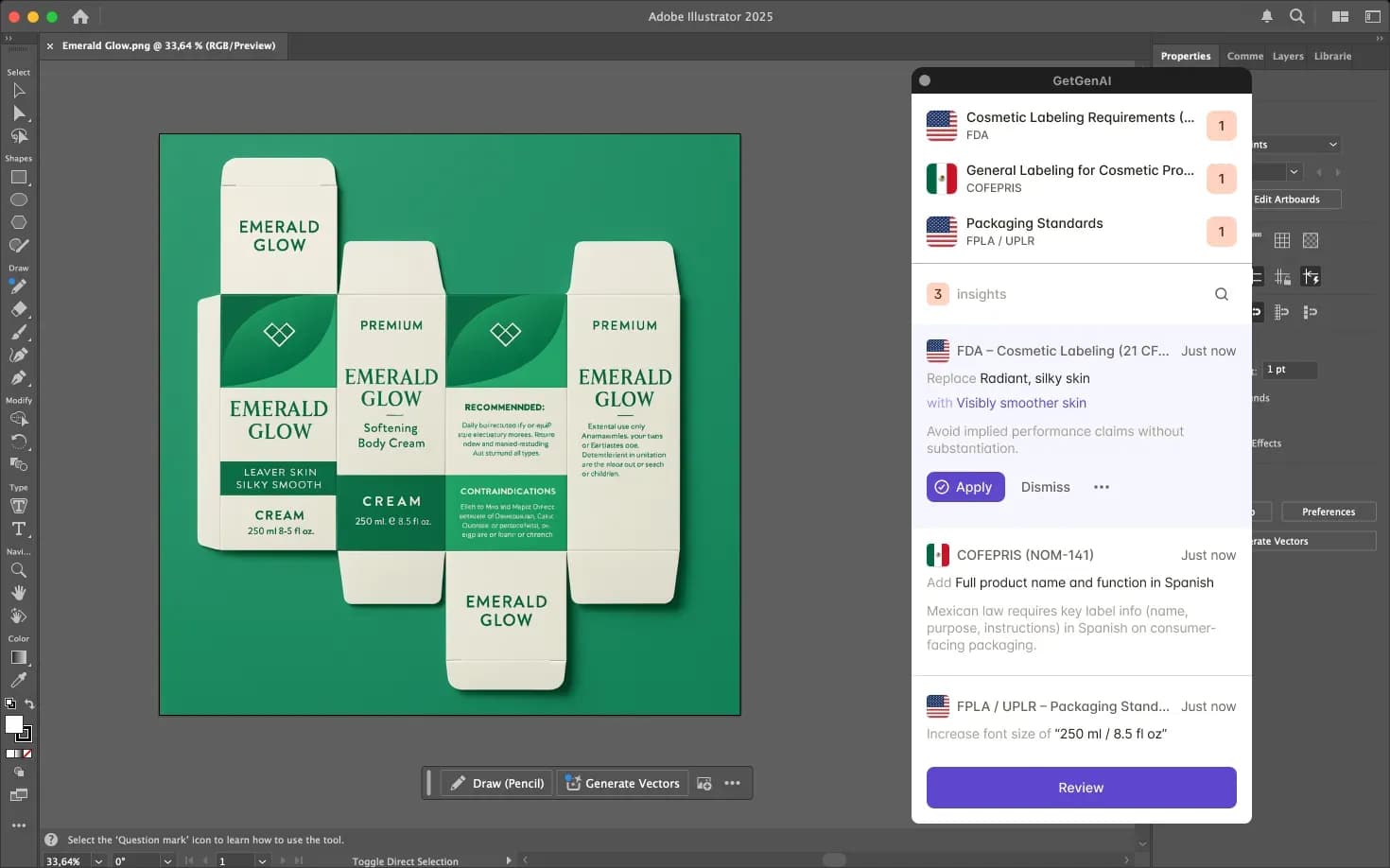

Adobe Illustrator
Check packaging artwork on the artboard: claims, required text, colours, fonts, and barcodes, before approval or print.

Adobe InDesign
Verify packaging copy, claims, disclaimers, and required marks directly on the layout.

Microsoft & Google
Review packaging briefs and specs for required wording and claims before artwork starts.

Ziflow
Flag risks in packaging proofs and route artwork to the right approvers.

Bynder
Scan packaging assets on upload to keep your library compliant and ready to use.

Custom
Don’t see your tool? We connect Inspack to it with your team, through the API or a custom connector.
Label compliance for your code and AI agents
Use the Inspack API, MCP server, or agent skills to parse labels, run checks, and get findings inside your own tools. Works with Claude, Cursor, and any MCP-compatible client.
03 / FAQ
Integration questions, answered
Setup, security, and how Inspack works with the tools you already use.
Yes. The Inspack extension runs in Adobe Illustrator and InDesign, so designers see issues on the artboard while they work.
Pro and Enterprise include extensions, connectors, and the API. Starter runs in the Inspack web app.
No. Inspack adds an AI compliance review step to the platform you already use. Inspack also partners with Veeva and Esko.
Microsoft Office, Google Docs, Bynder, Ziflow, Monday, and many more. If your tool isn't listed, we connect it with your team through the API or a custom connector.
No. Inspack reads the artwork to check it, and a suggested fix is applied only when someone on your team accepts it.
Yes. The API connects Inspack to PLM, DAM, and internal tools, including product specs and approved claims. AI agents connect through the Inspack MCP server. See Build with us for docs.
Very little. Integrations connect through standard authentication (OAuth or API key).
Yes. Your artwork is never used to train any AI model, and all files are end-to-end encrypted. Inspack is GDPR compliant, keeps 21 CFR Part 11 compliant records, and is completing SOC 2 Type II certification. Enterprise plans add SSO and an optional dedicated environment.
Your flow stays. Compliance comes built in.
Real-time checks, fixes, and approvals inside the apps your team already uses.
04 / Resources
Latest on Inspack
Exploring AI, compliance, and packaging validation practices
Article ·
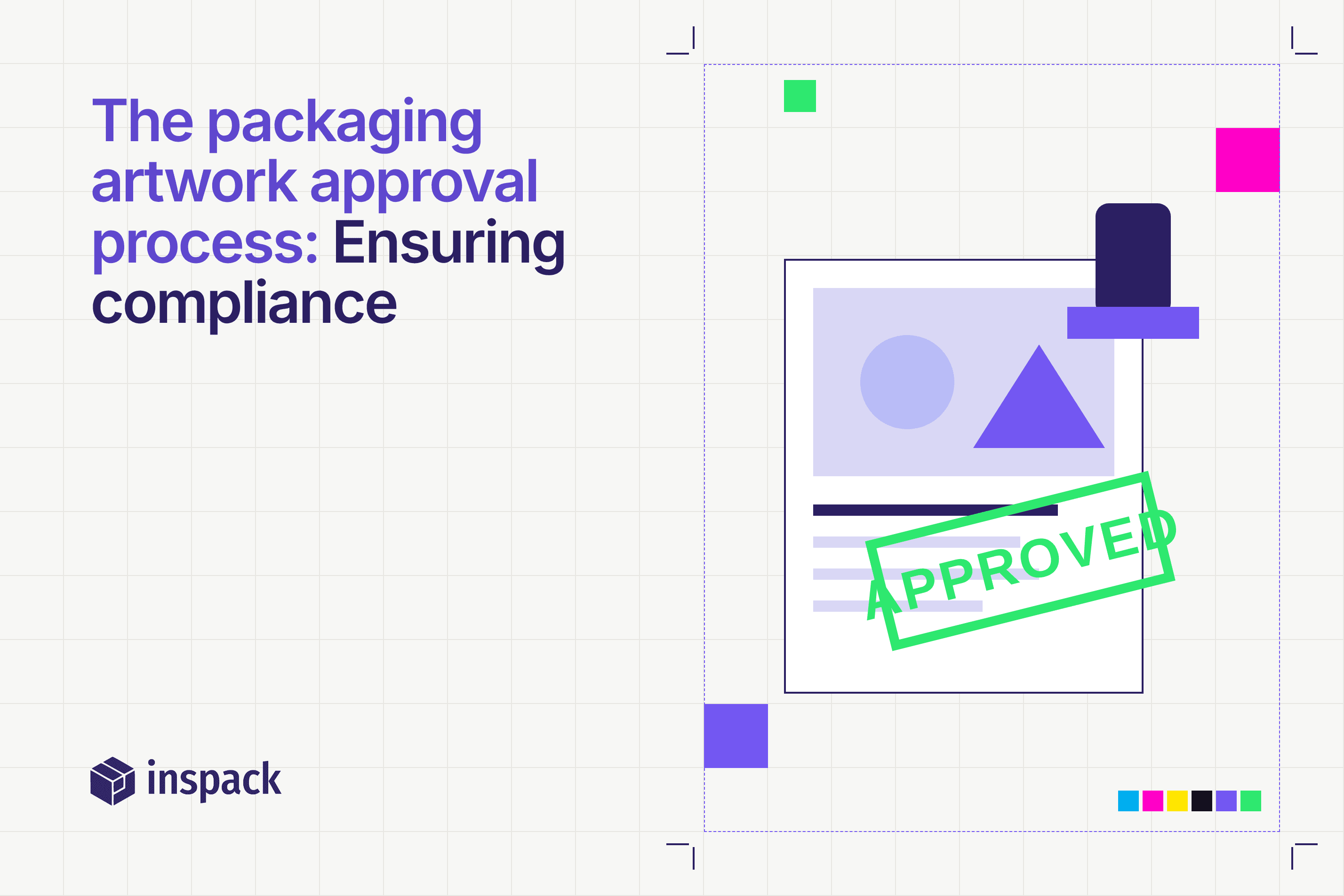
The packaging artwork approval process: Ensuring compliance
Learn how the packaging artwork approval process helps brands avoid compliance errors, streamline approvals, and meet global regulatory requirements efficiently.
Read more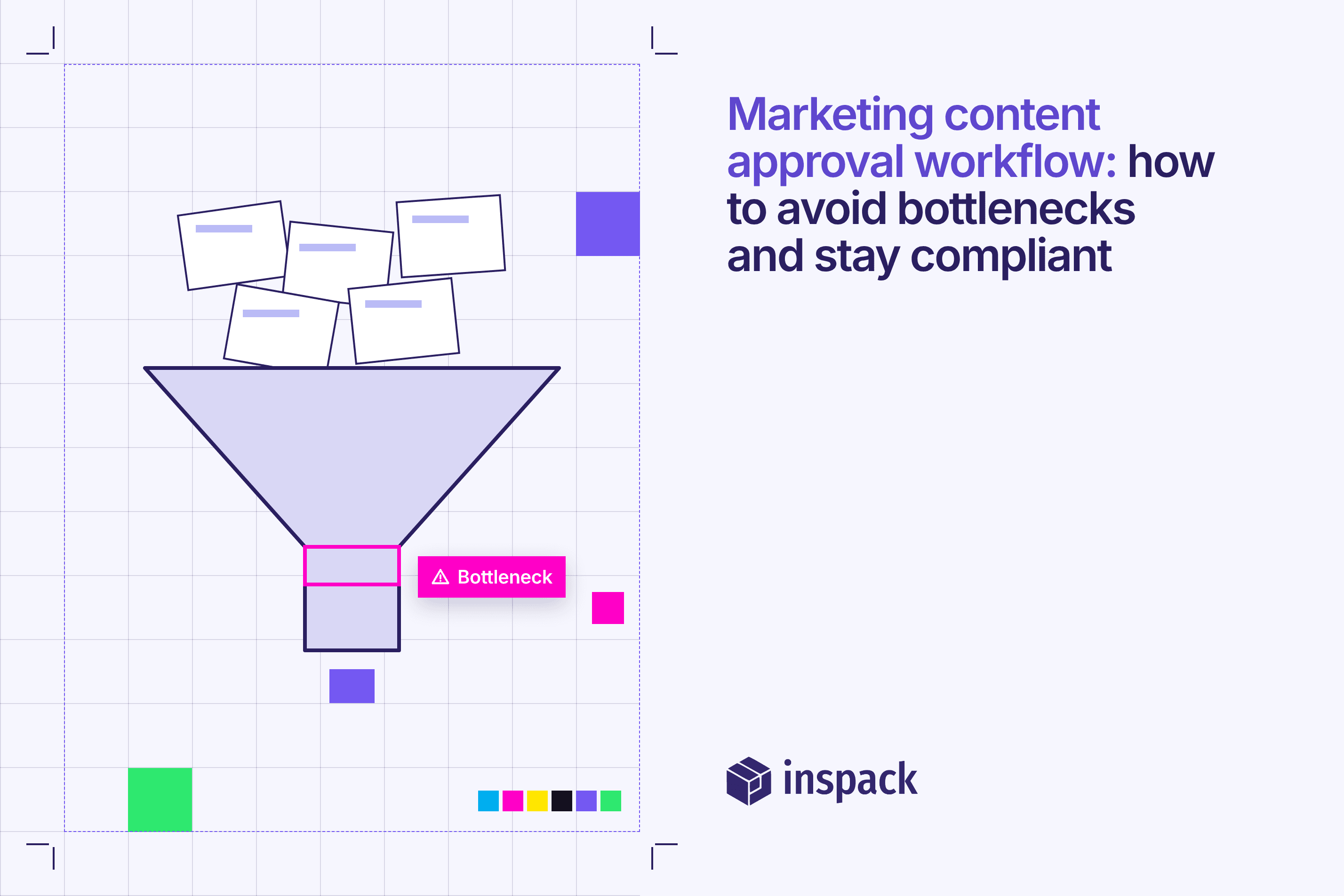
Article ·
Marketing content approval workflow: how to avoid bottlenecks and stay compliant
A structured marketing content approval workflow helps teams avoid delays, maintain accuracy, and ensure regulatory compliance across digital channels.
Read more
Article ·
5 key benefits of integrating compliance management tools into your marketing strategy
Compliance management tools keep marketing campaigns secure, efficient, and legally sound while strengthening customer trust.
Read more