
Compliance, built for the AI stack
Plug Inspack into your code, your agents, or your AI assistants. One compliance layer – three ways in.
# Send artwork, get findingsPOST /api/v1/inspector/review objects: [label.png] inspector_ids: [12, 34]→ 3 findings claim · allergen · net quantity
# Any MCP clienttool: review file: label.pdf rules: brand-guide→ 2 to fix, 1 pass returned to your agent
# Skill: pre-print review/inspack review label.pdf checks: regulatory + brand output: fix list→ ready for approval saved to audit trail
Trusted by







01 / Why Inspack
Why builders choose Inspack
Label compliance, streamlined for the AI stack.
02 / How to build
Three ways to build
Pick the layer that matches how you build. Or use all three.
Programmatic label review
Send artwork (PDF, AI, PNG, or structured text), get parsed panels and findings back. REST endpoints with an OpenAPI spec. Rate-limited per workspace, audit-logged by default.
Read the API docscurl -X POST "https://app.inspack.com/api/v1/inspector/review" \
-H "Authorization: Bearer $INSPACK_API_KEY" \
-H "Content-Type: application/json" \
-d '{
"objects": [
{
"type": "image",
"content": "https://cdn.example.com/vitd3-press.png"
}
],
"inspector_ids": [123]
}'Agent-discoverable label inspection
Run our MCP server in your agent stack. Claude, Cursor, and any MCP-compatible client get a typed toolset: upload files, list inspectors, run reviews, export reports. Agents compose the pipeline however they need.
See available tools{
"mcpServers": {
"inspack": {
"url": "https://app.inspack.com/api/mcp",
"headers": {
"Authorization": "Bearer YOUR_INSPACK_API_KEY"
}
}
}
}Agent-ready label review skills
Give your AI assistant a reusable review workflow for supplement labels. The skills pack includes instructions for FDA labeling checks, structure/function claims, DSHEA disclaimers, Supplement Facts panels, ingredients, warnings, and review handoff.
Browse skillsinspack-label-review/
SKILL.md
workflows/
review-supplement-label.md
check-structure-function-claims.md
verify-dshea-disclaimer.md
examples/
supplement-label.pdf
expected-findings.md
mcp/
inspack-tools.md03 / Pipeline
The Extract → Review → Feedback pipeline
One label, three inspection stages. Compose them however you need.
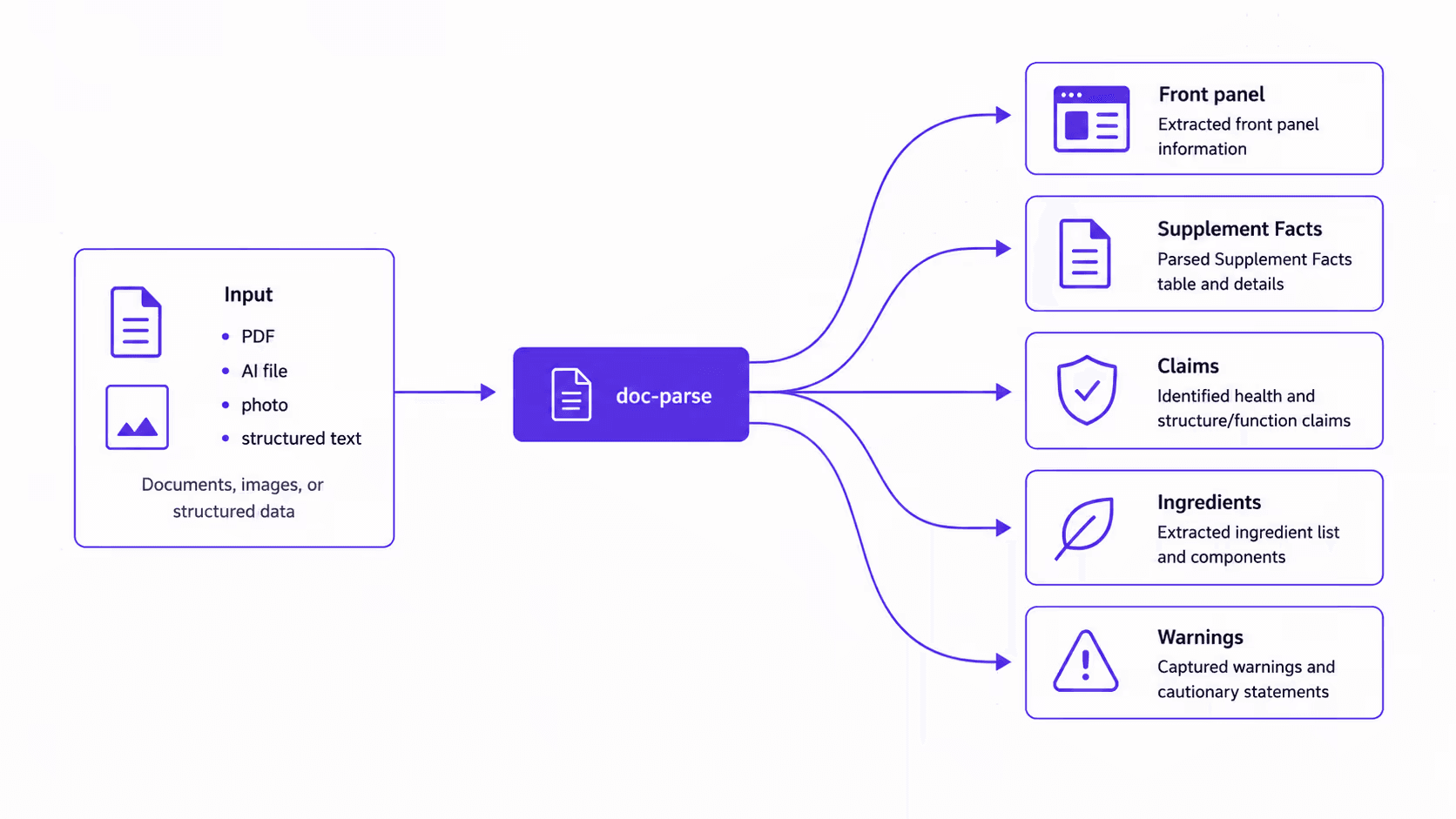
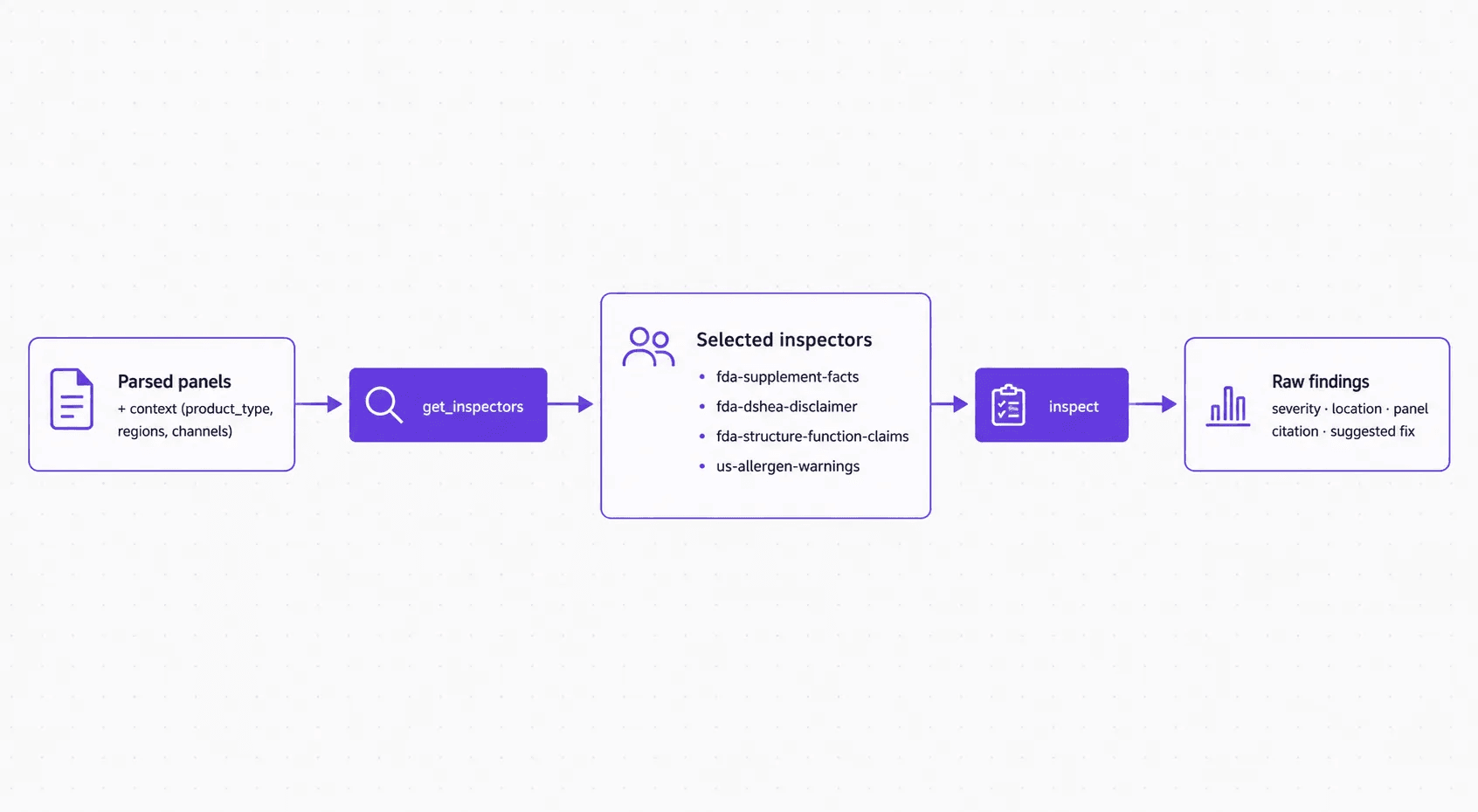
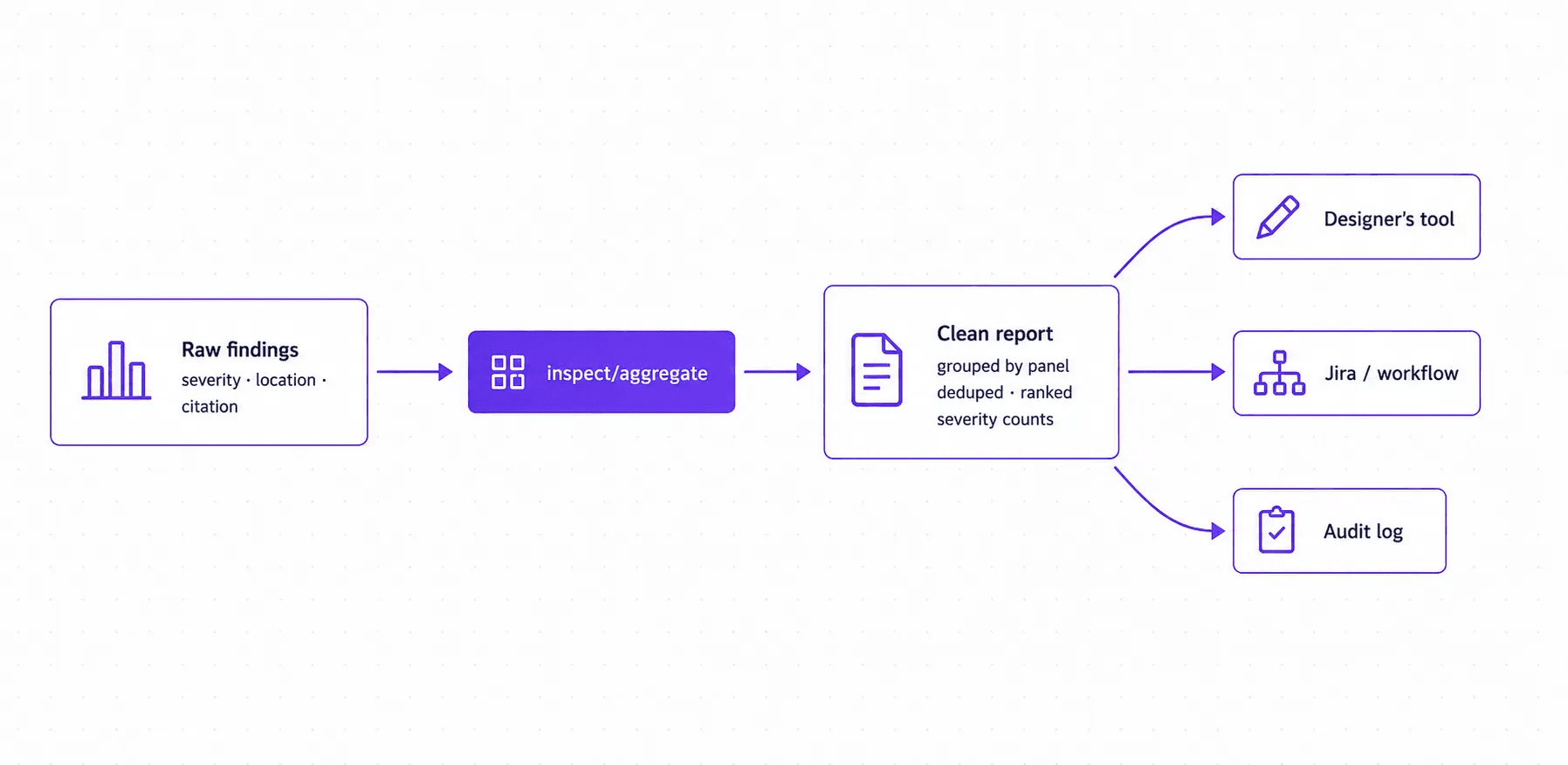
Supplements is our example here; the same Extract → Review → Feedback pipeline runs for food, cosmetics, cannabis, pharma, and chemical labels.
“Inspack makes working with influencers and UGC content faster and easier. We plug its API into our workflow to automate compliance checks, so content aligns with brand, platform and regulatory rules effortlessly.”

04 / Docs
Developer resources
Label compliance, streamlined for the AI stack.
05 / FAQ
Got questions? We’ve got answers
Have questions about our services? Explore our detailed FAQ section for in-depth answers and insights.
You create as usual — ads, landing pages, or copy. If something breaks a rule or could be improved, Inspack instantly highlights it, explains why, and suggests how to fix it. You can accept the change with one click, and the text updates automatically.
Everything from digital ads, landing pages, and packaging to influencer content and partner collateral — in text, image, and video formats.
Yes! Inspack can be trained on company-specific guidelines, brand standards, and custom rules. Clients have full access to add and manage their inspectors.
Yes, Inspack seamlessly integrates with Google Docs, Jira, Microsoft Word, CMS platforms, and other workflow tools.
Most teams are up and running within days. Full integration—like customizing reports, roles, and workflows—typically takes 2–5 weeks.
Rulesets are versioned and update automatically when a regulation changes. Our regulatory experts review each update, so your content stays aligned with current legal, regulatory, and policy requirements.
Yes! You can apply multiple compliance layers—from brand rules to regulatory policies—simultaneously.
While Inspack dramatically reduces compliance errors, human oversight is recommended for high-stakes content.
Ship label-compliant from day one
Start with the API for full control, or connect the MCP server to your agent. Get structured feedback in minutes, not weeks. Read the docs or talk to a solutions engineer.
06 / Resources
Latest on Inspack
Exploring AI, compliance, and packaging validation practices
Article ·
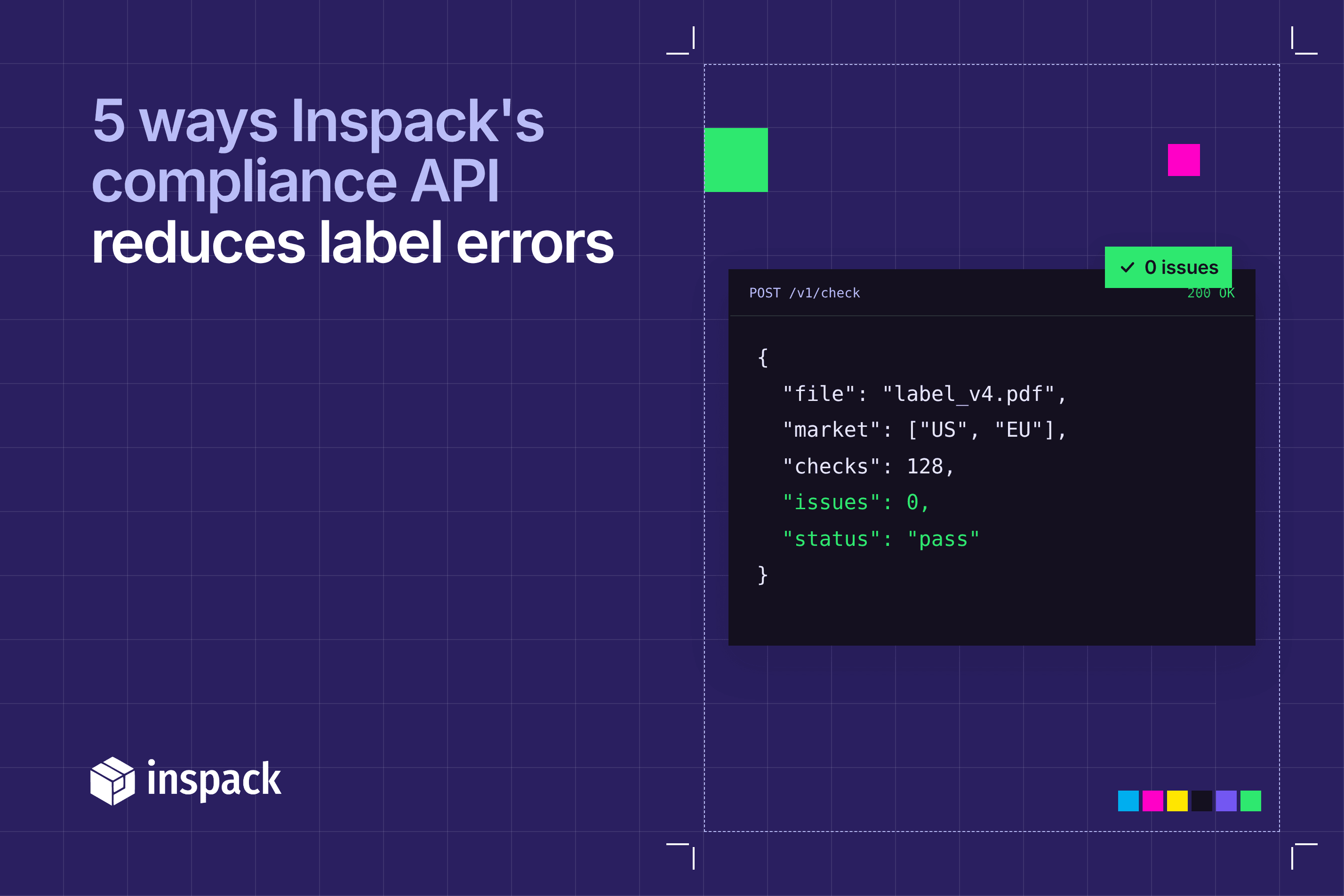
5 ways Inspack's compliance API reduces label errors
Learn how Inspack’s compliance API integration catches label errors early, automates regulatory checks, and prevents costly recalls across your product range.
Read more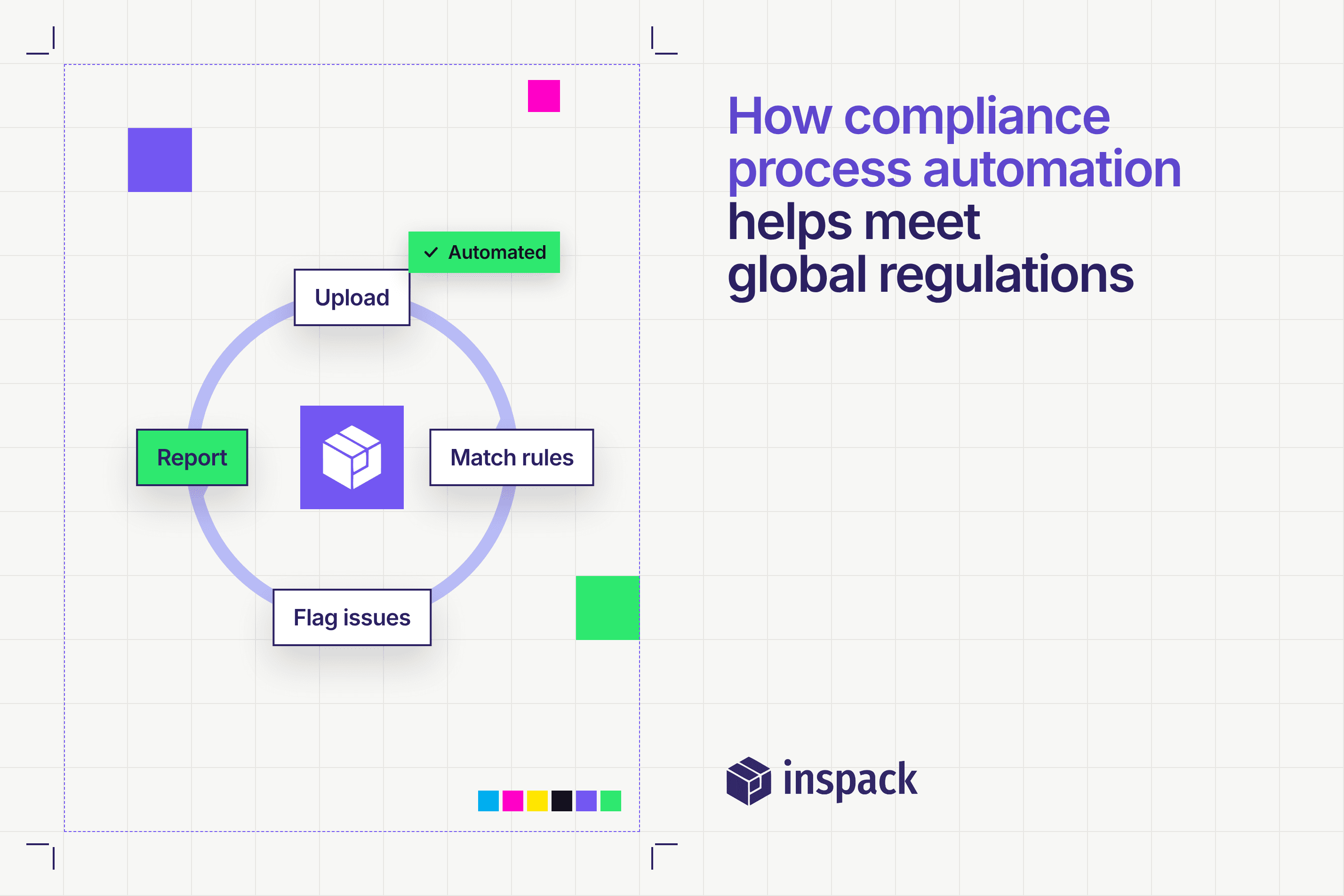
Article ·
How compliance process automation helps meet global regulations
Discover how compliance process automation streamlines packaging reviews, reduces errors, and ensures global regulatory compliance, speeding up market entry.
Read more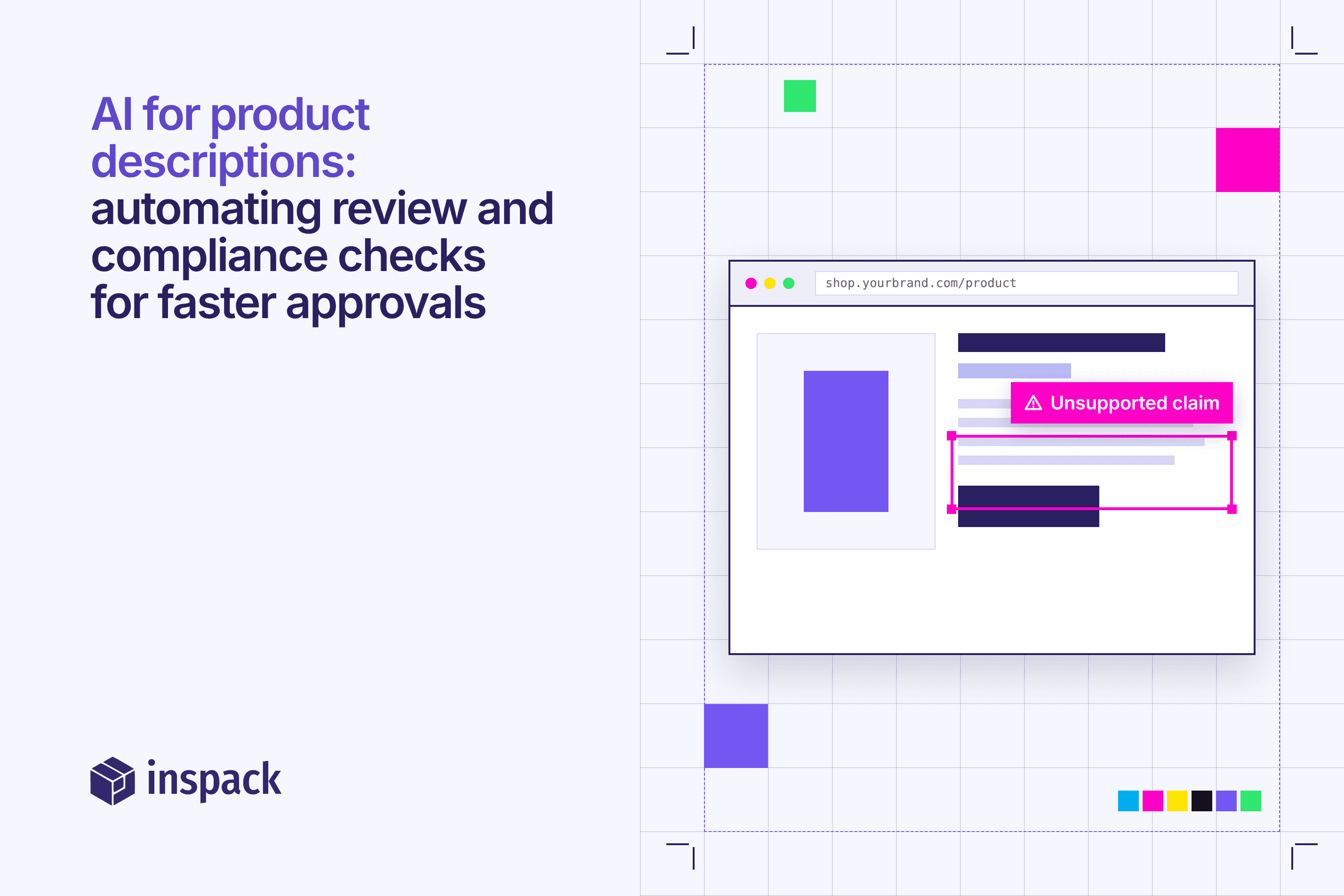
Article ·
AI for product descriptions: automating review and compliance checks for faster approvals
How AI can help automate compliance checks, reduce approval times, and keep listings accurate, consistent, and risk-free for regulated industries.
Read more